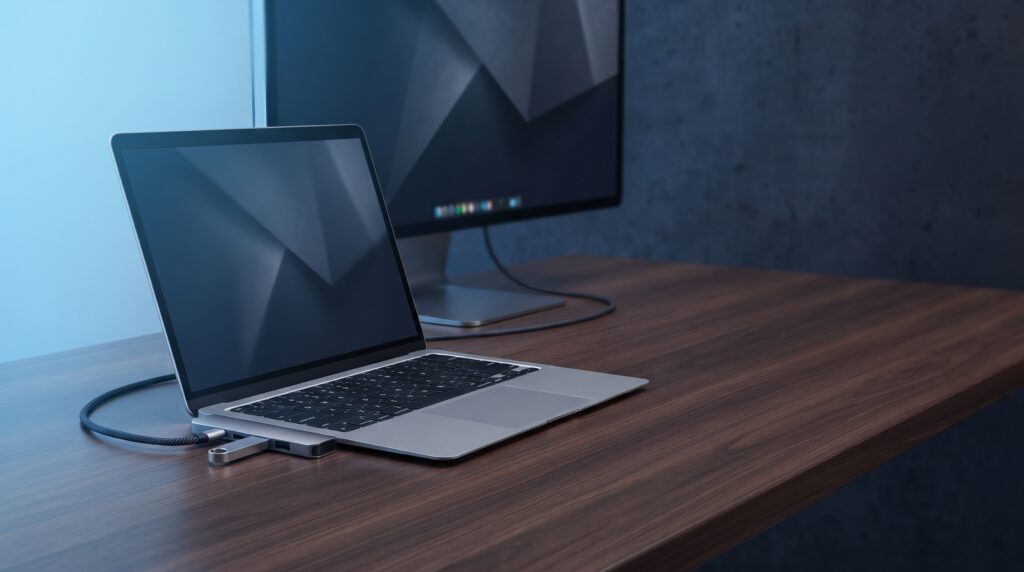
Many thin laptops and handhelds have only one or two USB-C ports. A hub turns one port into several, but cheap hubs differ in ways the product title does not make obvious: video refresh rate, how much power reaches your laptop, and which ports carry data. This guide explains those differences and compares four budget hubs using their makers’ published specifications.
Three specs that matter more than port count
HDMI refresh rate
Anker lists 4K at 30 Hz for the 332, and 1080p at 60 Hz. UGREEN’s Revodok 105 is also 4K@30Hz. The Revodok Pro 106 lists 4K@60Hz.
Charging pass-through
Anker says its hub accepts up to 100W but uses about 15W itself, so a laptop gets up to 85W. UGREEN’s FAQ also notes that a “100W” label usually describes input, not what reaches the laptop.
Which ports carry what
On the Anker 332 the USB-C data port does not support video or charging. On the Revodok Pro 106 the two USB-C ports are for data. Video needs a laptop port that supports DisplayPort Alt Mode.
Buying checklist
General guidance
- Check your laptop’s USB-C port. It must support video output (DisplayPort Alt Mode) for HDMI to work.
- Decide on refresh rate. 4K@30Hz is fine for office work. For gaming or video, choose a 4K@60Hz hub or use a lower resolution at 60 Hz.
- Check charger wattage. The hub uses some power, so your laptop receives less than the charger supplies.
- Count the data ports you use. Look for 5 Gbps or 10 Gbps rather than slower USB 2.0 ports for drives.
- Add Ethernet if you game. A wired connection is a common reason to buy a hub.
Which hub fits you?
- A simple 5-in-1 from a well-known brand: Anker 332.
- A budget 5-in-1 with high charging pass-through: UGREEN Revodok 105.
- You want wired Ethernet: Anker 6-in-1 with Ethernet.
- You want 4K at 60 Hz and faster data ports: UGREEN Revodok Pro 106.
Specs at a glance
| Hub | HDMI | Charging to laptop | Data ports | Reported price |
|---|---|---|---|---|
| Anker 332 (5-in-1) | 4K@30Hz | Up to 85W (100W in) | 1 USB-C and 2 USB-A, 5 Gbps | $24.99 at Anker US |
| UGREEN Revodok 105 | 4K@30Hz | Up to 95W (100W in) | USB-A ports; speed varies by version | Check Amazon |
| Anker 6-in-1 with Ethernet | 4K@30Hz | 53W per Anker’s table; title says 65W | 1 USB-C (5 Gbps), 2 USB-A, Gigabit Ethernet | Check Amazon |
| UGREEN Revodok Pro 106 (6-in-1) | 4K@60Hz | Up to 85W (100W in) | 2 USB-C and 2 USB-A, 10 Gbps | $21.99 at UGREEN US (sale) |
The 4 hubs
1. Anker 332 USB-C Hub (5-in-1)
Suits office work and everyday laptop use. Anker says no software is required, and that it supports Windows 10 and 11 and macOS 10.14 and above.
Limits: the USB-C data port does not support video or charging, and the hub’s temperature can rise during fast charging or transfers, according to Anker’s FAQ. Pass-through charging needs your own charger.
2. UGREEN Revodok 105 5-in-1
Suits buyers who want a low-cost 5-in-1 with higher charging pass-through. UGREEN sells two Revodok 105 versions: model 15495 lists one 5 Gbps and two 480 Mbps USB-A ports, and model 35580 lists three 5 Gbps USB-A ports.
Limits: the Amazon listing title says three USB-A data ports, but check the port speeds on the page you open, because they depend on the version. Its PD port is input only.
3. Anker 6-in-1 USB-C Hub with Ethernet
Suits laptops that need a wired connection for gaming, video calls or large downloads. The Amazon listing title says 65W max PD, while Anker’s own comparison table lists 53W, so plan around the lower figure.
Limits: 4K is limited to 30 Hz, and charging pass-through is lower than the 5-in-1 hubs above, so it may not keep a gaming laptop’s heavy charger fully supplied.
4. UGREEN Revodok Pro 106 (6-in-1, 10 Gbps)
Suits people who want a smoother external display and faster drives. UGREEN lists the two USB-C ports as data ports that do not carry video or charging.
Limits: you need a laptop USB-C port that supports DisplayPort Alt Mode, and the sale price may not last.
Frequently asked questions
Why is my HDMI screen limited to 30 Hz?
Hubs with HDMI 1.4, such as the Anker 332 and UGREEN Revodok 105, list 4K at 30 Hz. A hub that lists 4K@60Hz, such as the Revodok Pro 106, is needed for smoother 4K.
Does a 100W hub charge my laptop at 100W?
Not usually. Anker says its 332 uses about 15W, leaving up to 85W for the laptop.
Why does HDMI not work with my hub?
Your laptop’s USB-C port must support video output. A data-only USB-C port will not send video to the hub’s HDMI port.
Is a hub enough for a gaming laptop?
For light use, yes. For high-power charging, multiple monitors and more bandwidth, see our guide to Thunderbolt 4 docks for gaming laptops.
More laptop setup guides
Sources
- Anker: 332 USB-C Hub (5-in-1) product page, Anker 332 FAQ and Anker 332 introduction
- Amazon listing: Anker 332 hub
- Amazon listing: UGREEN Revodok 105 5-in-1 and UGREEN product page
- Amazon listing: Anker 6-in-1 hub with Ethernet (includes Anker’s comparison table)
- Amazon listing: UGREEN Revodok Pro 106 and UGREEN US hub collection