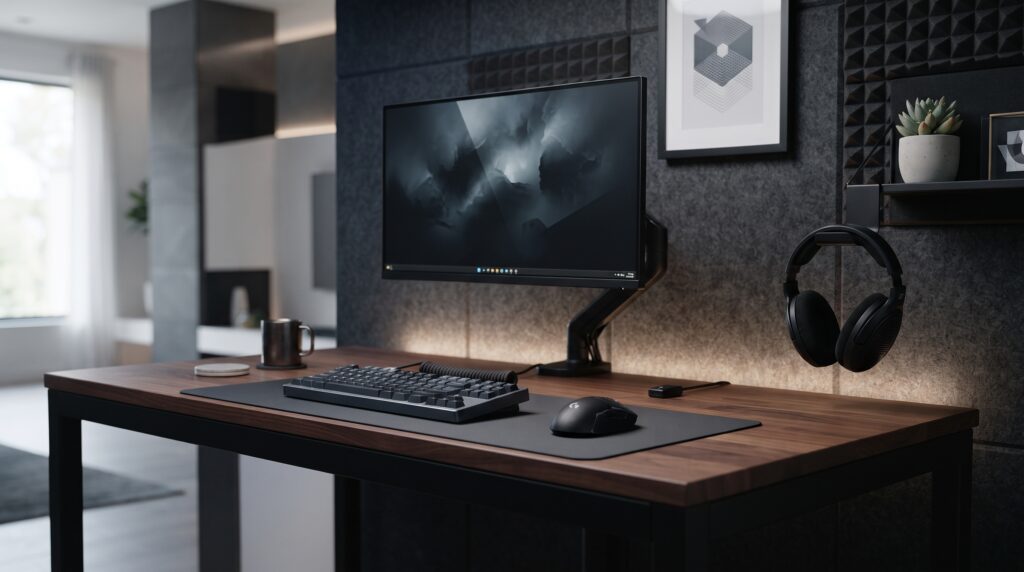
A tidy, comfortable setup doesn’t need new hardware. Most daily annoyances, like loose cables, a headset taking up desk space or a mouse that slips, have cheap fixes. The catch is that each one only works if it fits your desk or gear, so this guide focuses on what to check before you order.
Which accessory fixes which problem
| Problem | Accessory | Check before buying |
|---|---|---|
| Cables hanging from the desk | J-channel cable raceway | Desk surface (adhesive or screws) and how many cables you need to carry |
| Headset taking up desk space | Clamp-on headphone hook | Clamp range against your desk thickness |
| Mouse slipping in your hand | Mouse grip tape | Pre-cut for your mouse model, or a universal sheet to trim |
| Dust and crumbs in the keyboard | Keycap puller and brush kit | Nothing in particular; wire pullers suit most keycaps |
How we checked
Sources and limits (checked 28 October 2026)
- Mouse grip tape details come from Glorious’s product page and a Lizard Skins universal grip listing.
- Adhesive preparation advice comes from 3M’s surface preparation guidance.
- The raceway, headphone hanger and grip tape details come from their Amazon listings, checked on 28 October 2026. The keycap puller button opens an Amazon search, so that card lists what to look for.
- We have not tested these products ourselves. Price ranges, capacities and weight claims in older versions of this article could not be sourced and have been removed.
1. EVEO J-Channel Cable Raceway (6-Pack)
A J-channel is an open-topped trough that mounts along the back or underside of the desk. Cables drop in from the top, so you can add or remove one without unthreading the rest.
- Check whether it mounts with adhesive, screws or both.
- Check the channel’s inside width against your thickest cables and plugs.
- For adhesive mounting, clean the surface with isopropyl alcohol first and press firmly.
Trade-offs: rigid channels don’t bend around curved corners. Adhesive can fail on rough or unsealed surfaces, so use screws there.
2. EURPMASK 3-in-1 Clamp-On Headphone Hanger
A hanger that clamps to the desk edge holds your headset off the desk surface, and the swivel tucks it underneath when it’s not in use. This model also holds two controllers, which suits a console or couch setup.
- Check the clamp range against your desk’s thickness, including any lip or frame.
- Look for padded jaws to protect the desk finish.
- Check the listed weight rating if you use a heavy headset.
Trade-offs: clamps need a straight, flat desk edge. Bevelled or very thick edges may not fit.
3. TALONGAMES Mouse Grip Tape (Logitech Superlight family)
Grip tape adds a textured layer to the sides and buttons of a mouse. It’s usually about 0.5 mm thick, which Glorious and Lizard Skins both list, so it barely changes the mouse’s shape.
- Pre-cut sets fit specific mouse models only. Glorious, for example, makes its set for its V1 mice.
- Universal sheets (Lizard Skins lists 100 x 150 mm) fit any mouse but need careful trimming.
- Clean the mouse before applying, and line pieces up before pressing them down.
Trade-offs: this set is cut for Logitech’s Superlight family only. For any other mouse, choose a set made for your model or a universal sheet. The texture wears with use and will need replacing.
4. Keycap puller and cleaning brush kit
A wire keycap puller hooks under opposite edges of a keycap and lifts it straight up, so you can brush out the dust underneath. Kits usually pair the puller with a soft brush.
- Pull keycaps straight up rather than at an angle.
- Take a photo of the layout first, so you know where every keycap goes back.
- Lift larger keys, like the space bar, slowly, because they sit on stabilisers.
Trade-offs: deep cleaning still means removing keycaps one by one.
Frequently asked questions
Will an adhesive cable raceway stay up under a desk?
It depends on the surface and the preparation. Clean the spot with isopropyl alcohol first, press the raceway firmly, and give the adhesive time to set before loading cables. On rough, unsealed or hollow surfaces, use the screws many raceways include instead.
Does mouse grip tape fit any mouse?
Pre-cut sets are made for specific mouse models. Glorious, for example, says its pre-cut tape fits its V1 mice only. Universal sheets can be trimmed to fit any mouse but take more care to apply.
Will a clamp-on headphone hook damage my desk?
Look for padding on the clamp jaws and check the clamp range against your desk’s thickness. Tighten it only until it’s firm.
Do I need a keyboard cleaning kit?
Not for daily use. A keycap puller and a soft brush make deep cleaning easier, because you can remove keycaps and reach the dust underneath without prying them off with other tools.
Which accessory should I buy first?
Start with whatever annoys you most. Loose cables suit a raceway, a cluttered desk surface suits a headphone hook, a slipping mouse suits grip tape, and a dusty keyboard suits a cleaning kit.
More setup guides
Sources
- Glorious: Mouse Grip Tape (thickness and compatibility)
- Overclockers UK: Lizard Skins universal mouse grip (size and thickness)
- 3M technical bulletin: Surface preparation for adhesive tape
- Amazon listings for the EVEO J-Channel 6-pack (B08QGRGVKX), EURPMASK 3-in-1 headphone hanger (B0BPSP3BQH) and TALONGAMES grip tape (B09GW4BPYN), checked 28 October 2026.
- Keycap puller: the button opens an Amazon search, so no single product spec page applies.