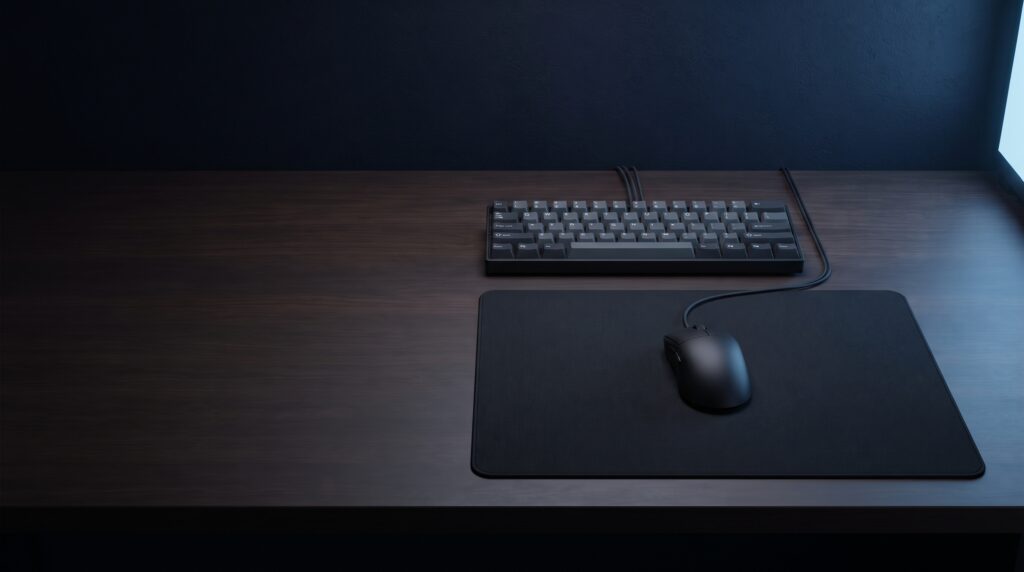
A mouse pad is one of the least expensive upgrades on a gaming desk. The main choices are size, thickness and how the surface feels under the mouse. This guide compares four low-priced cloth pads using the specifications their makers and Amazon list.
What to look at when choosing
Surface feel
Pads range from fast, low-friction surfaces to slower control surfaces. ProSettings places the Razer Gigantus V2 in medium territory with a slight lean toward control, and the SteelSeries QcK as a medium glide that leans toward control.
Size and sensitivity
Logitech says the G240 suits low-DPI gaming, which involves bigger arm movements. SteelSeries recommends the QcK Medium for most users with average desk space and mid to low DPI settings.
Thickness and base
These pads range from 1 mm to 3 mm and all list a non-slip rubber base. Thicker pads such as the Gigantus V2 add wrist cushioning, according to Razer.
Buying checklist
General guidance
- Measure your desk. The extended pad here is 930 mm (36.6 in) wide.
- Match size to your play style. Larger pads give room for wide swipes at low sensitivity.
- Pick a thickness you like. Thin pads sit flat, and thicker foam cushions the wrist.
- Check the edges. Stitched edges, such as on the Corsair pad, are meant to resist fraying.
- Check the real price. The same pad can cost more at different sizes and colors.
Which pad fits you?
- Lowest price, thin and rollable: Logitech G240.
- A classic medium cloth pad: SteelSeries QcK Medium.
- Thicker foam and wrist cushioning: Razer Gigantus V2 Medium.
- A full desk mat for keyboard and mouse: Corsair MM300 PRO Extended.
Specs at a glance
| Pad | Size | Thickness | Surface and base | Reported price (Oct 2026) |
|---|---|---|---|---|
| Logitech G240 | 340 x 280 mm | 1 mm | Cloth, rubber base | $9.99 (Walmart) |
| SteelSeries QcK Medium | 320 x 270 mm | 2 mm | Micro-woven cloth, non-slip rubber base | From $11.99 (Walmart) |
| Razer Gigantus V2 Medium | 360 x 275 mm | 3 mm | Micro-weave cloth, foam, anti-slip base | Large listed at $19.99 (ProSettings) |
| Corsair MM300 PRO Extended | 930 x 300 mm | 3 mm | Spill-proof cloth, stitched edges | $14.99 at a reported sale |
The 4 mouse pads
1. Logitech G240 Cloth Gaming Mouse Pad
Suits players who want the lowest-cost cloth pad that rolls up for travel. Logitech describes moderate surface friction aimed at low-DPI play and a texture matched to its own sensors. Walmart lists it at $9.99.
Limits: at 1 mm it is the thinnest pad here and offers little wrist cushioning, and its size is modest for very low sensitivity.
2. SteelSeries QcK Medium
Suits most users with average desk space and mid to low DPI settings, according to SteelSeries. The company says the cloth has been the choice of esports pros for nearly 20 years. Walmart lists QcK pads from $11.99.
Limits: SteelSeries sells other QcK versions, including a 6 mm Heavy, so check the size and thickness on the listing you open. The medium is smaller than the other pads here.
3. Razer Gigantus V2 Medium
Suits players who want a bit more size and cushioning. Razer says the 3 mm foam keeps the mat flat on uneven surfaces and cushions the wrist. ProSettings notes it is widely used in the pro scene and has a firm foam with high static friction.
Limits: ProSettings says its glide is medium with a slight control lean, so players who want a very fast surface may prefer something else. Prices vary by size and edition, so check the one you open.
4. Corsair MM300 PRO Extended
Suits desks that can fit a keyboard and mouse on one mat. Corsair describes spill-proof, stain-resistant cloth. A Slickdeals post recorded it at $14.99 on Amazon during a sale, and a 2016 Legit Reviews piece reviewed the earlier MM300 Extended at $29.99, so the price has varied.
Limits: it needs 93 cm of desk width. A reviewer comment on the deal post called it a control pad, so players who want a fast surface may prefer another option. For keyboard ideas, see our guide to budget esports keyboards.
Frequently asked questions
Do expensive mouse pads make a big difference?
Surface feel matters more than price. Several reviews recommend inexpensive cloth pads such as the QcK and Gigantus V2 as a starting point.
What is the difference between control and speed pads?
Control surfaces add friction so the mouse stops more easily, and speed surfaces glide more freely. ProSettings places both the QcK and the Gigantus V2 near the middle with a lean toward control.
Which size should I choose?
Medium suits most average desks. Pick a larger or extended pad if you play at low sensitivity or want your keyboard on the same mat.
Can I wash a cloth mouse pad?
SteelSeries describes the QcK cloth as durable and washable. Check the maker’s instructions for other pads.
More desk setup guides
Sources
- SteelSeries: QcK series and Amazon listing
- Amazon listing: Logitech G240 and retailer specifications
- Razer: Gigantus V2 and Amazon listing
- Amazon listing: Corsair MM300 PRO Extended, Corsair MM300 PRO Medium page and Legit Reviews
- ProSettings: best budget gaming mousepads
- Walmart: Logitech and SteelSeries pad prices and Slickdeals post