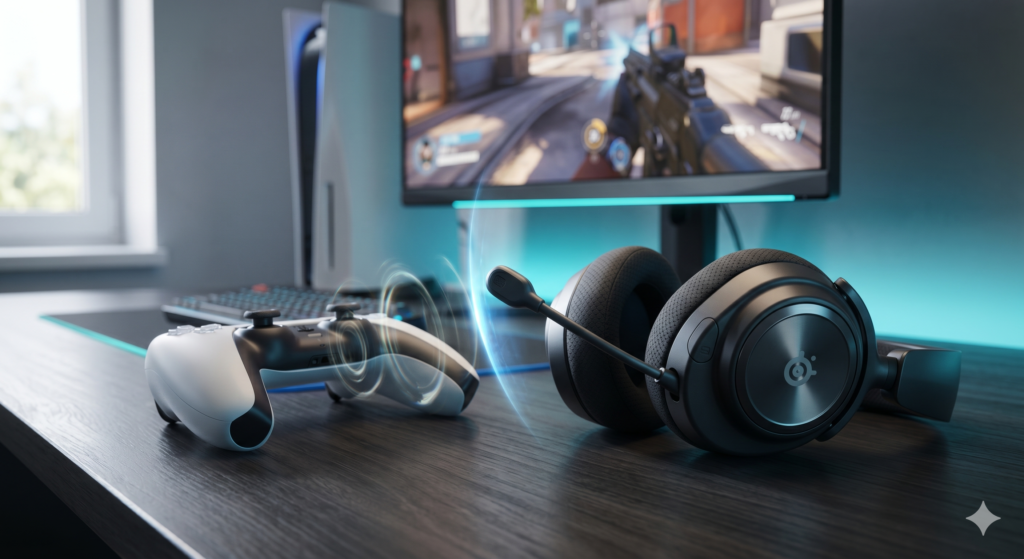
How to Fix Mic Echo on PS5: Best Headsets with Noise Cancellation
Few things ruin an intense multiplayer gaming session faster than a squadmate complaining, “I can hear my own voice echoing through your mic.” If you are playing on a PlayStation 5, microphone echo is one of the most common—and frustrating—audio issues gamers face.
At Desk & Console, we’ve troubleshot this issue extensively. The truth is, fixing PS5 mic echo usually comes down to two things: adjusting your console’s audio output settings, or upgrading a cheap headset that lacks proper noise isolation.
In this guide, we will walk you through the quick, free settings fixes to try first, and then reveal the absolute best noise-canceling headsets that eliminate background audio bleed for good.
Why Does My PS5 Mic Echo?
Before jumping into the fixes, it helps to know what causes the feedback loop. Mic echo on the PS5 is typically caused by audio bleed. This occurs when:
- The DualSense Controller Mic is Active: If you don’t use a headset, the highly sensitive mic built into the PS5 controller picks up audio coming from your TV speakers and loops it back into the party chat.
- High Microphone Sensitivity: Your headset mic might be set too loud, causing it to pick up ambient room noise and game sound.
- Poor Headset Isolation: Cheaper headsets often lack proper seal pads. The sound from the earcups escapes and goes straight back into your boom microphone.
Quick Fixes: How to Stop PS5 Echo in Settings
Before you spend money on new gear, try adjusting the PlayStation 5’s internal audio settings. These 60-second tweaks solve the issue for a majority of gamers.
- Mute the Controller Mic: Press the small horizontal button located under the PS logo on your DualSense controller. When it glows orange, the controller mic is muted.
- Lower Microphone Level: Press the PS button, go to the Mic icon on the quick menu, and select Adjust Mic Level. Speak normally and lower the slider until your voice stays strictly in the “Good” range. If it hits the red, your mic is too sensitive.
- Change Audio Output: Go to Settings > Sound > Audio Output. Ensure “Output to Headphones” is set to All Audio. If game audio is playing through your TV speakers while you chat, your mic will pick it up.
The Best PS5 Headsets with Noise Cancellation
If you’ve tweaked the settings and the echo persists, the problem is your hardware. You need a closed-back headset with Active Noise Cancellation (ANC) or a highly directional cardioid microphone. Here are the top-rated, echo-free PS5 headsets on Amazon.
SteelSeries Arctis Nova Pro Wireless for PlayStation
The SteelSeries Arctis Nova Pro is widely considered the gold standard for PS5 audio. It features an AI-powered ClearCast Gen 2 retractable microphone that acts like a software barrier. It actively listens to your background and completely silences fan noise, button mashing, and game audio bleed—ensuring zero echo for your teammates. It also features ANC for your ears, fully immersing you in the game.
✓ What We Love
- AI-powered mic cancels out all party chat echo
- Infinity Power System (hot-swappable batteries so you never plug in)
- Audiophile-grade 360° Spatial Audio
✕ Keep in Mind
- Premium price point
- Base station requires desk/console space
Razer BlackShark V2 Pro (PlayStation Edition)
If your main goal is having the absolute best-sounding voice in the party chat with zero echo, the 2024 PlayStation edition of the Razer BlackShark V2 Pro is a beast. It features the HyperClear Super Wideband Mic, which captures incredible vocal detail while heavily rejecting sounds from the back and sides. The thick memory foam ear cushions provide incredible passive noise isolation, meaning no sound escapes into the mic.
✓ What We Love
- Broadcast-quality, echo-rejecting microphone
- Extremely lightweight (320g) and comfortable for long sessions
- Massive 70-hour battery life
✕ Keep in Mind
- No active noise cancellation (ANC) for the ears
- Aviation-style design isn’t for everyone
HyperX Cloud III Wireless
If you want premium anti-echo features without breaking the bank, the HyperX Cloud III is the legendary successor to the Cloud II. It features an upgraded 10mm microphone with an internal metal mesh pop filter. Because it seals perfectly around your ears with signature HyperX memory foam, audio bleed is virtually non-existent.
✓ What We Love
- Industry-leading 120-hour battery life
- Upgraded 10mm noise-canceling mic with LED mute indicator
- Extremely durable aluminum frame
✕ Keep in Mind
- No Bluetooth (uses USB-C dongle only)
- Audio profile is slightly less bass-heavy than competitors
Frequently Asked Questions (FAQ)
Why does my PS5 party chat echo only for other people?
If you don’t hear the echo but your friends do, it means your microphone is picking up the chat audio coming out of your headset’s speakers and transmitting it back to them. Turning down your mic sensitivity or buying a closed-back headset will fix this immediately.
Does the PS5 controller mic cause echo?
Yes. The built-in mic on the DualSense controller is notorious for picking up TV audio, button mashing, and background room noise. Always mute it by pressing the button below the PS logo if you are playing with TV audio on.
Is Active Noise Cancellation (ANC) the same as Mic Noise Cancellation?
No. ANC uses microphones to cancel out background noise so you hear the game better. Mic noise cancellation uses software or physical filters to block out background noise so your friends hear you better. To fix party chat echo, you need a headset with excellent microphone noise cancellation.
Final Thoughts
Dealing with PS5 mic echo is annoying, but it’s rarely a permanent problem. Start by muting your DualSense controller, lowering your microphone sensitivity, and ensuring your audio routes strictly to your headset.
However, if your current headset still can’t handle the audio loop due to poor ear padding, upgrading to a high-quality, noise-canceling option like the SteelSeries Arctis Nova Pro or the Razer BlackShark V2 Pro is the most reliable way to ensure crystal-clear communication with your friends. Say goodbye to the echo chamber and enjoy your gaming sessions the right way!