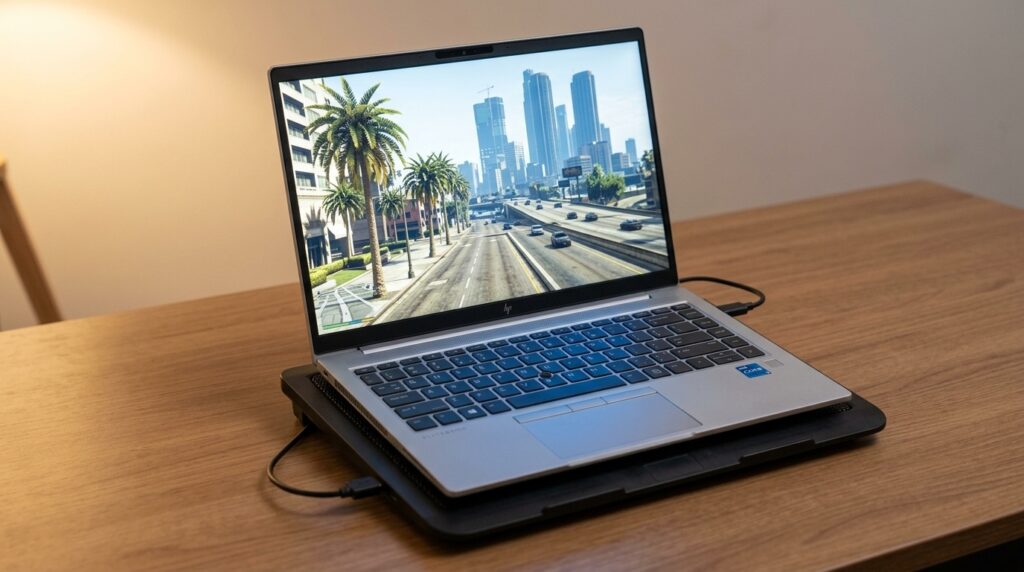
Enhanced looks better but needs a dedicated graphics card with 4 GB of video memory and an SSD. On a work or budget laptop with integrated graphics, play Legacy. We play GTA Online on Legacy on our own HP EliteBook with Intel Iris Xe graphics, using the settings below.
Affiliate disclosure: as an Amazon Associate we earn from qualifying purchases, at no extra cost to you.
Our test laptop
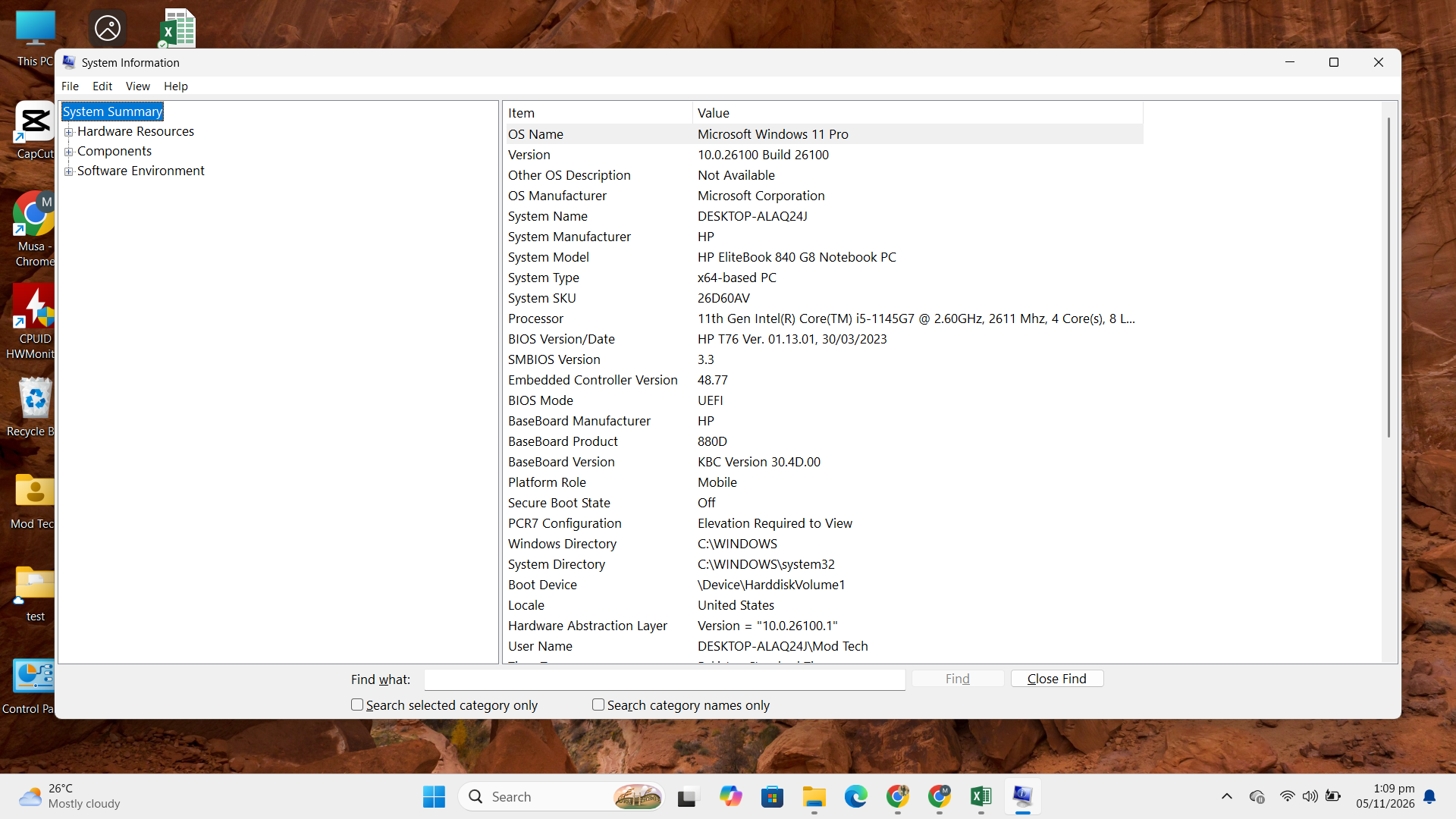
This isn’t a gaming laptop. It’s an ordinary business machine, which is exactly why it’s useful: most people asking this question have something similar.
| Part | Our laptop |
|---|---|
| Model | HP EliteBook 840 G8 |
| Processor | Intel Core i5-1145G7 (4 cores, 8 threads) |
| Graphics | Intel Iris Xe, integrated (about 3,960 MB shared video memory in GTA) |
| Memory | 8 GB RAM |
| Game | GTA 5 Legacy on Steam, DirectX 11, GTA Online |
Legacy vs Enhanced: requirements side by side
| Legacy (minimum) | Enhanced (minimum) | |
|---|---|---|
| Graphics | GTX 660 / HD 7870, 2 GB | GTX 1630 / RX 6400, 4 GB |
| Processor | Older quad-core CPUs | Core i7-4770 / FX-9590 |
| Memory | 8 GB | 8 GB |
| Storage | 125 GB, hard drive OK | 105 GB, SSD required |
| Extras | DirectX 10 and 11 | Ray tracing, DLSS, FSR, DirectStorage |
Neither version lists integrated laptop graphics in its minimum specs. Legacy’s older engine is far lighter, though, and it’s the one we play on. Enhanced asks for a dedicated card with its own 4 GB of video memory, which our laptop doesn’t have.
Which version should you play?
You have a dedicated graphics card at or above the GTX 1630 / RX 6400 level, and an SSD with 105 GB free.
You play on a work or budget laptop with integrated graphics, or your PC is close to the old minimum specs.
The Legacy settings we use
On integrated graphics, lower the resolution first, then turn off the heaviest effects. Texture quality can stay high, because it mostly uses video memory.
| Setting | Our choice | Why |
|---|---|---|
| Resolution / screen type | 1280 x 720, windowed | The biggest single saving on integrated graphics |
| FXAA / MSAA | Off / Off | Anti-aliasing is expensive |
| VSync | Half | Caps at half the refresh rate (30 fps on a 60 Hz screen) for steadier motion |
| Texture quality | Very High | Fits in shared memory (2,082 of 3,960 MB used) |
| Shader quality | High | |
| Shadows / soft shadows | Normal / Sharp | Shadows are among the heaviest settings |
| Reflections / reflection MSAA | High / Off | |
| Water, particles, post FX | Normal | |
| Grass quality | High | Drop to Normal if the countryside feels slow |
| Anisotropic filtering, ambient occlusion, tessellation | Off | Small visual gain, real cost |
| Population density / distance scaling | Low | Fewer cars and people help in the city |
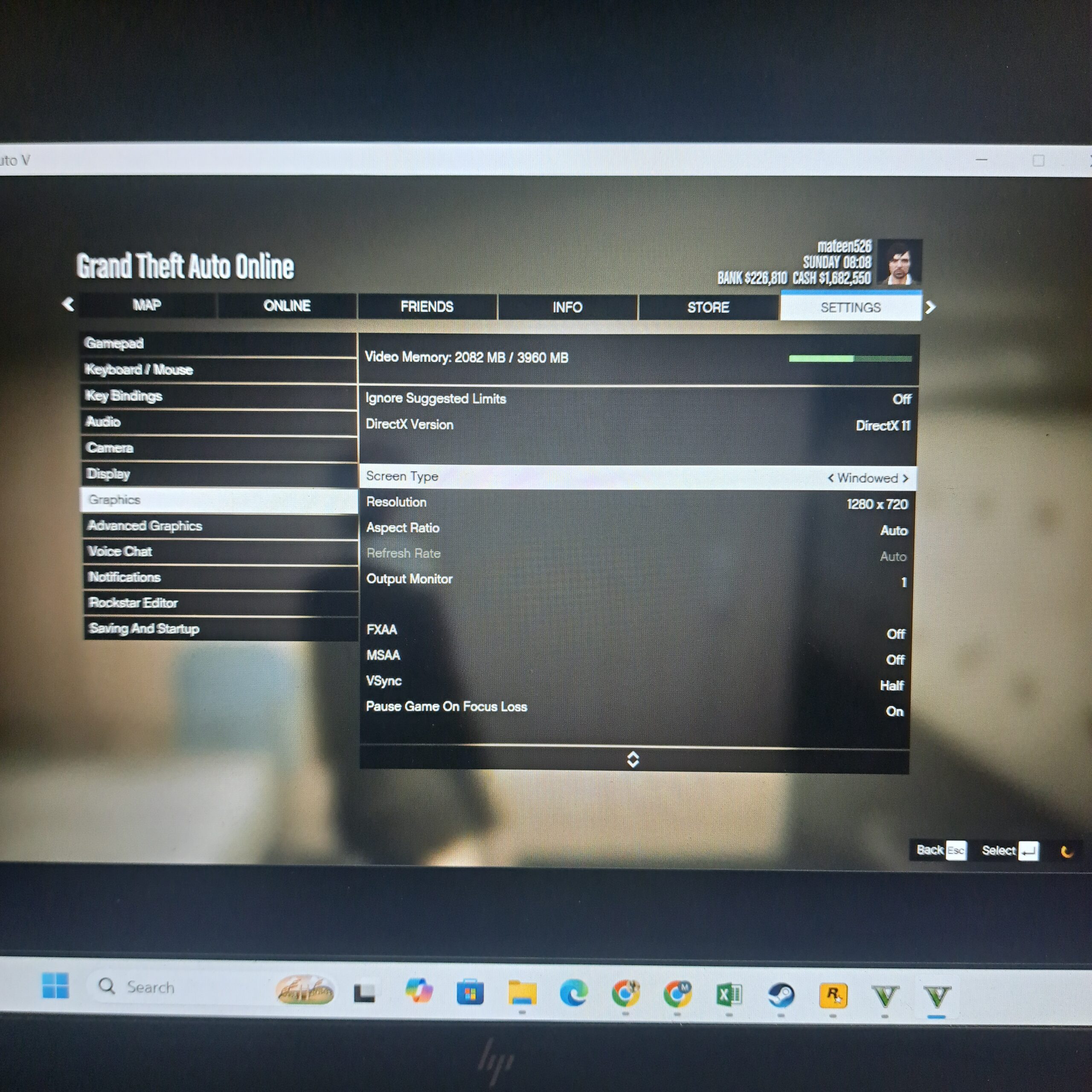
Watch the Video Memory bar at the top of the Graphics menu. It’s shared with the system on integrated graphics, so staying well under the limit helps avoid stutter. If you still get stutter, see our Windows 11 stuttering checks, which apply to any game.
Our cooling pad
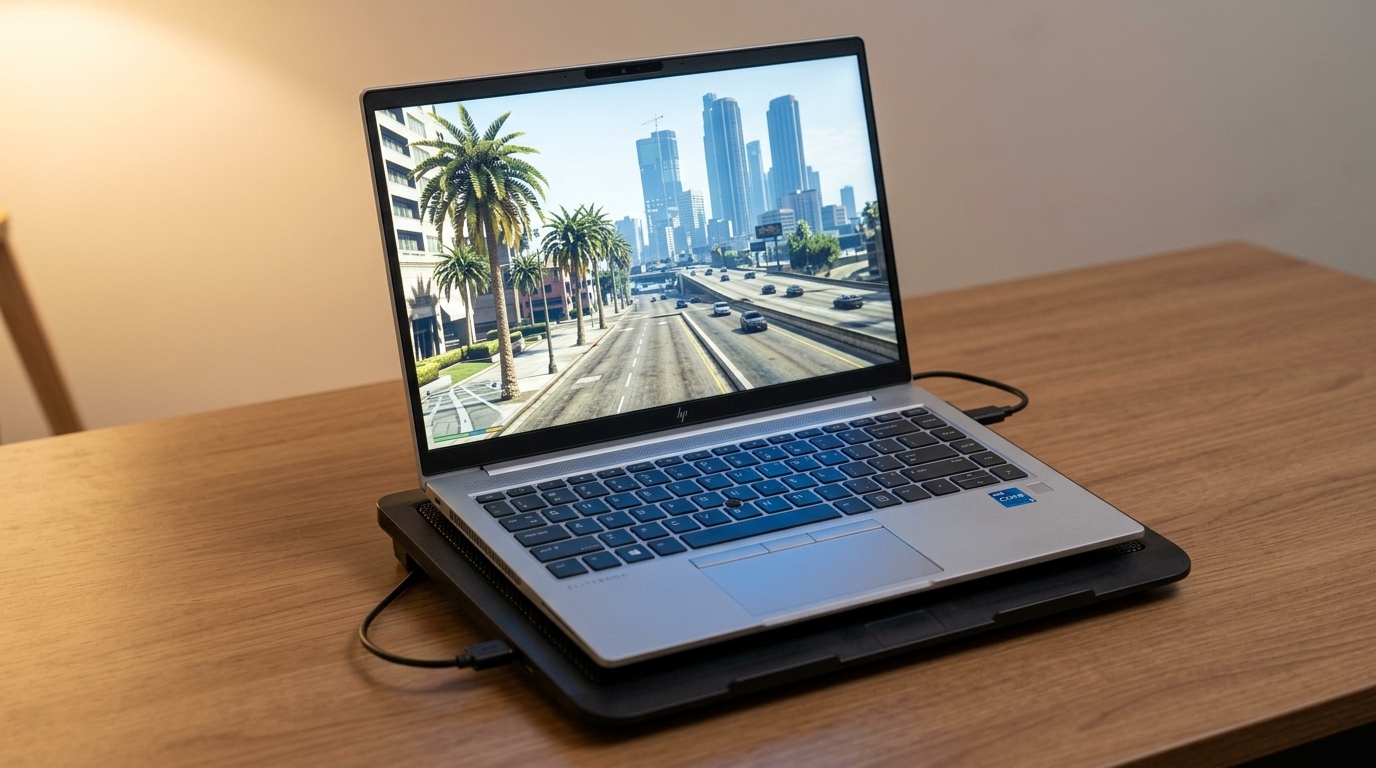
We play with the laptop on a basic single-fan cooling pad. It lifts the laptop off the surface so air reaches the vents underneath, which beats playing on a bed or a rug. We haven’t measured the temperature difference yet, so we’re not claiming a number.
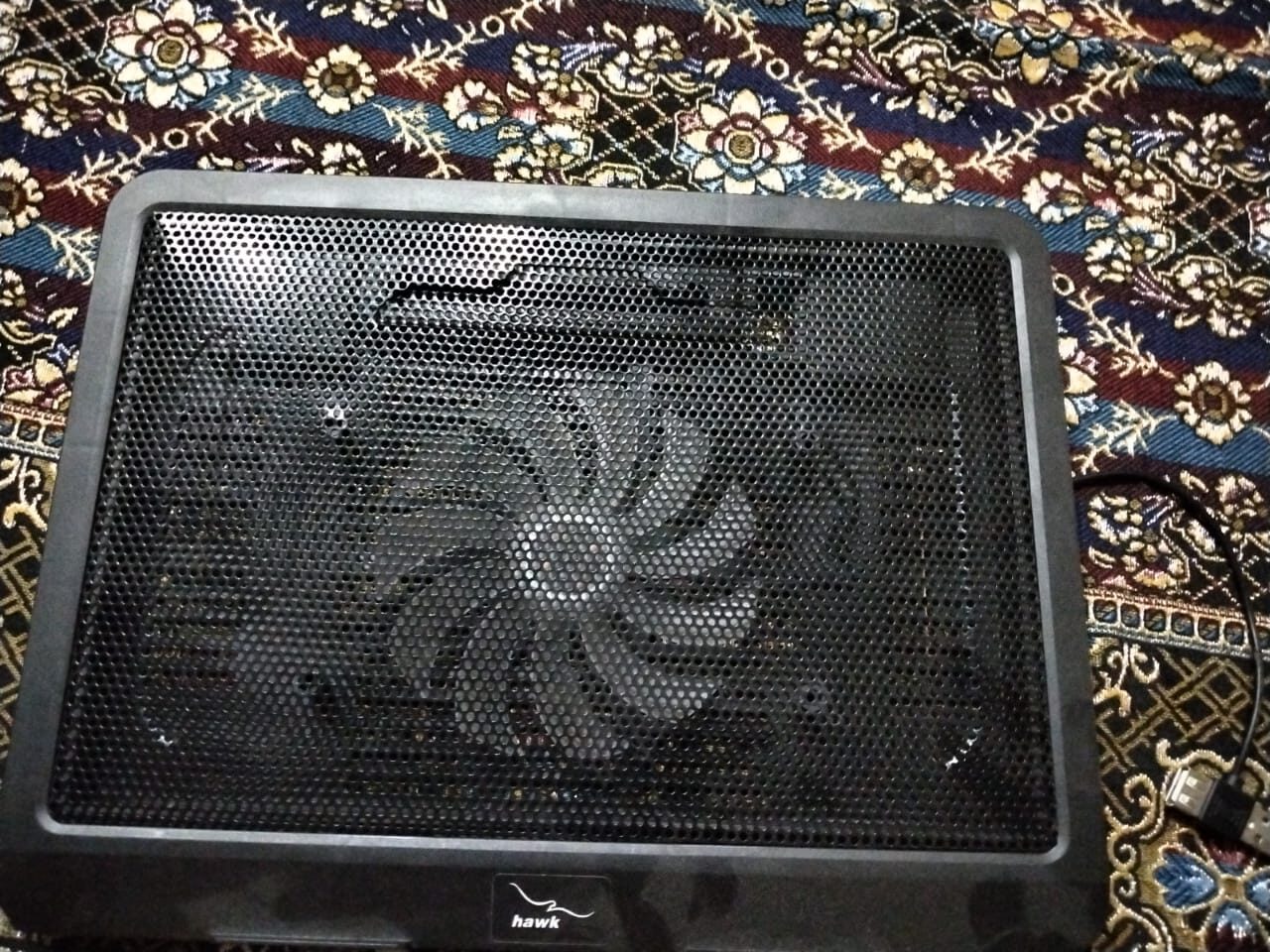
A budget pad like ours: one large fan, a mesh top and USB power. Match the pad size to your laptop, and check that the fan sits under your laptop’s intake vents.
Browse Single-Fan Cooling Pads on Amazon →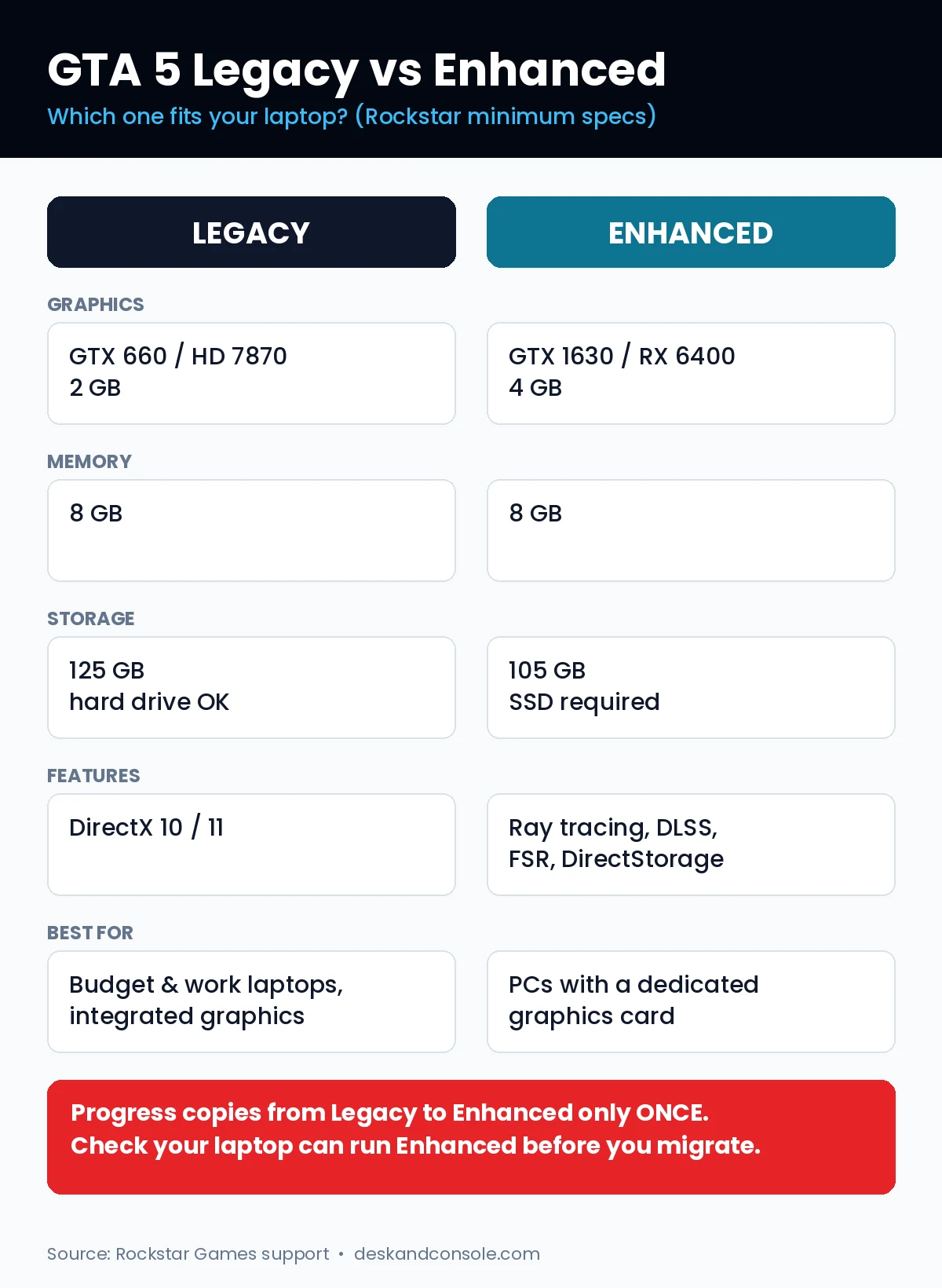
Frequently asked questions
What is the difference between GTA 5 Legacy and Enhanced?
Enhanced is the March 2025 PC version with ray tracing, DLSS, FSR and faster loading on SSDs. Legacy is the original 2015 PC version. The story and GTA Online are the same in both.
Is GTA 5 Enhanced free if I own Legacy?
Yes. PC players who already own GTA 5 get Enhanced as a free upgrade, and new buyers get both versions.
Can I play GTA 5 Enhanced on integrated graphics?
Rockstar’s minimum for Enhanced is a dedicated GTX 1630 or RX 6400 with 4 GB of video memory, plus an SSD. Integrated graphics such as Intel Iris Xe aren’t listed, so Legacy is the safer choice on those laptops.
Can I move my GTA Online progress to Enhanced?
Yes, once. Story Mode and GTA Online progress can be copied from Legacy to Enhanced a single time, and it can’t be copied back.
How much storage does GTA 5 need?
Rockstar lists 125 GB on a hard drive for Legacy and 105 GB for Enhanced, which requires an SSD.
- Laptop specs come from Windows System Information on our own HP EliteBook, and the settings are the ones we play GTA Online with.
- Requirements come from Rockstar Support and the GTA V Enhanced Steam page. Launch details come from Business Standard and Wccftech.
- We play Legacy only, and haven’t run Enhanced on this laptop because it’s below Rockstar’s minimum. Frame-rate and temperature numbers aren’t in this version yet.