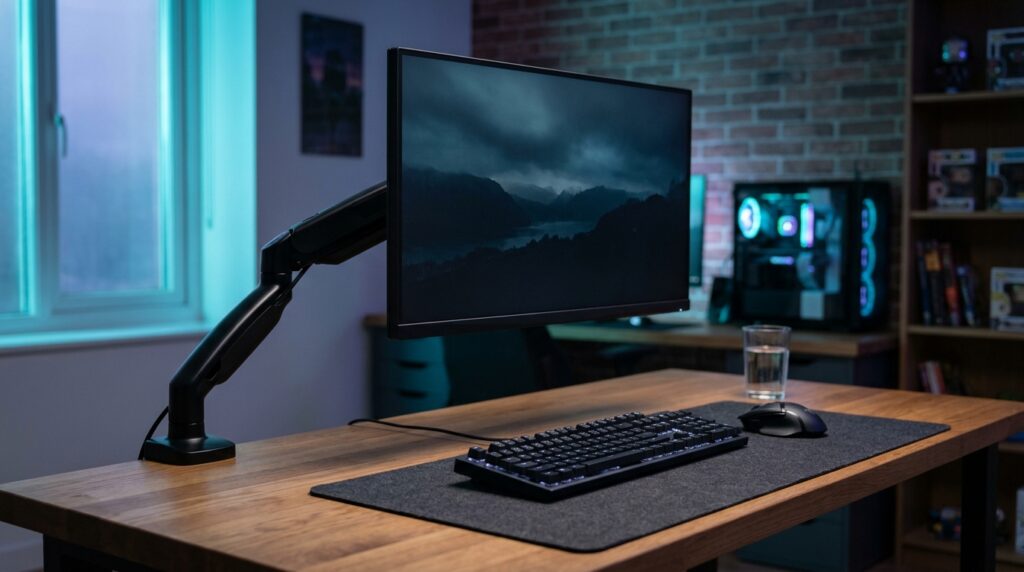
A monitor arm frees up desk space, lets you set the screen at the right height, and makes your desk look a lot tidier. You don’t need a premium arm to get those benefits. Budget arms use the same basic gas-spring design. Where they cut corners is finish, smoothness and warranty, not the basic job. Here’s what to check so a cheap arm actually fits your monitor and desk.
Three checks before you buy
- Weight. Look up your monitor’s weight without the stand on its spec sheet. It needs to sit inside the arm’s weight range, and that includes the minimum. A monitor that’s too light makes a gas-spring arm drift upward. Our monitor arm sagging guide explains why.
- VESA mounting. Check the back of your monitor for four screw holes, 75 x 75 or 100 x 100 mm apart. That’s what budget arms support. No holes means you’ll need an adapter.
- Your desk. Measure the desk thickness and check it fits the clamp range. Clamps need a solid edge. Thin or hollow tops need a reinforcement plate.
When a cheap arm isn’t enough
- Very heavy or very wide monitors, like big ultrawides, can go over a budget arm’s weight limit. Check the number, don’t guess.
- You move the screen all day. Pricier arms tend to feel smoother over thousands of adjustments, and some come with much longer warranties.
- You want a gaming laptop on it. You’ll need a VESA tray, and the laptop plus tray must fit the arm’s range.
The three budget arms compared
| Arm | Monitor size | Weight range | Tilt | Height adjustment |
|---|---|---|---|---|
| NB North Bayou F80 | 17 to 30 in | 4.4 to 19.8 lb (2 to 9 kg) | +85° / −30° | About 10 in (260 mm) |
| HUANUO HNSS6 | 13 to 32 in | Up to 19.8 lb | Not listed on the source we checked | Max arm height 15.75 in |
| VIVO STAND-V101G1 | Standard screens up to 32 in, ultrawides up to 49 in | 2.2 to 33 lb | +45° / −30° | 13 in |
All three list VESA 75 x 75 and 100 x 100 mounting, and both clamp and grommet installation.
How we checked
Sources and limits (checked 4 November 2026)
- North Bayou F80 specs come from retailer listings that repeat the maker’s specifications (Zain eShop, Skroutz and others).
- HUANUO specs come from HUANUO’s own product page. VIVO specs come from VIVO’s listing on Newegg Business.
- We haven’t tested these arms ourselves. Weight limits are the makers’ figures, so stay comfortably inside them.
1. NB North Bayou F80
Why it’s here: one of the most widely sold budget gas-spring arms, with full tilt, swivel and rotation for a typical 24 or 27 inch gaming monitor.
Trade-offs: the 30 inch and 19.8 lb limits rule out big ultrawides, and the lift range is shorter than the others.
2. HUANUO HNSS6 Single Monitor Arm
Why it’s here: a wider screen-size range that starts at 13 inches, so it also suits small secondary or portable monitors, plus extra height.
Trade-offs: the same 19.8 lb ceiling as the F80. Check the model number on the listing, because HUANUO sells several single arms.
3. VIVO STAND-V101G1
Why it’s here: the widest weight range of the three, so it can take heavier monitors and ultrawides that the cheaper arms can’t.
Trade-offs: it usually costs more than the F80. The warranty isn’t listed on the source we checked.
Setting it up
- Clamp the arm firmly to a solid part of the desk, away from thin edges or hollow sections.
- Screw the VESA plate onto the monitor, then attach the monitor to the arm.
- Adjust the gas-spring tension until the screen stays where you put it. If it drops, add tension. If it rises, reduce it.
- Set the height and distance. Our guide to monitor height, distance and tilt covers the numbers.
- Route the cables along the arm’s cable clips so nothing pulls when you move the screen.
Frequently asked questions
Are cheap monitor arms any good?
For most single monitors under about 20 lb, yes. Budget gas-spring arms like the North Bayou F80 list the same VESA sizes and similar adjustment to pricier arms. You mainly give up some build quality, smoothness and warranty length.
How do I know if a monitor arm will hold my monitor?
Check your monitor’s weight without its stand in the spec sheet, then make sure it sits inside the arm’s weight range, including the minimum. Too light can be as much of a problem as too heavy.
What does VESA 75 or 100 mean?
It’s the spacing of the four screw holes on the back of the monitor, in millimetres. Most budget arms support 75 x 75 and 100 x 100. If your monitor has no holes, you’ll need an adapter.
Why does my new monitor arm sag or drift up?
The gas spring tension doesn’t match your monitor’s weight. Most arms have an adjustment screw: turn it one way if the screen drops, and the other way if it rises. Small turns, then test.
Can I put a monitor arm on a glass desk?
Clamp arms need a solid, sturdy desk edge. Check the arm’s instructions, and don’t clamp to glass or thin hollow tops without a reinforcement plate or the maker’s approval.