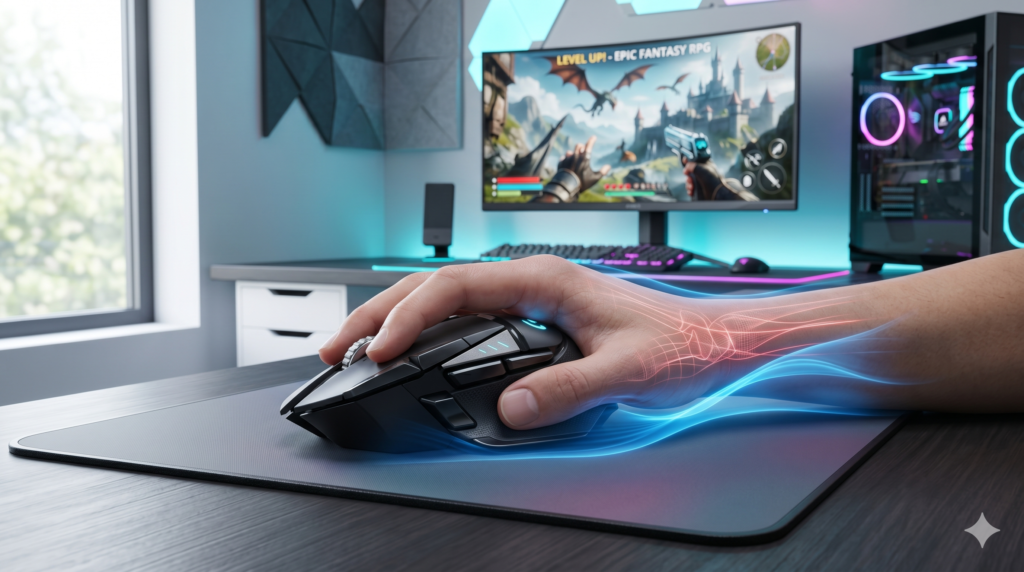
Wrist Pain From Gaming? The Best Ergonomic Mice for Long Sessions
We’ve all been there. You’re deep into a marathon gaming session, climbing the ranked ladder or exploring a massive open world, when it hits you: a dull, burning ache in your wrist. Eventually, that pain turns into a sharp twinge or numbness that radiates up your forearm.
Repetitive Strain Injury (RSI) and Carpal Tunnel Syndrome are the ultimate enemies of PC gamers. The main culprit? Standard, flat gaming mice. Traditional ambidextrous mice force your forearm into an unnatural, twisted posture known as pronation. Combined with repetitive clicking and rapid flicking, this creates massive tension in your tendons and pinches your median nerve.
At Desk & Console, we believe you shouldn’t have to sacrifice your physical health to play the games you love. Upgrading to an ergonomic gaming mouse realigns your wrist into a natural posture, relieves pressure, and gets you back in the game comfortably. Here are the absolute best ergonomic gaming mice available right now with the highest ratings from the community.
Are you planting your wrist hard on the desk and using it as an anchor to aim? This causes massive friction and tendon strain. Lower your mouse DPI and practice arm aiming (pivoting from your elbow) to take the pressure off your fragile wrist joint!
The Best Ergonomic Gaming Mice (2024 Picks)
Razer Basilisk V3
If you want supreme ergonomic comfort without transitioning to a drastic vertical mouse, the Razer Basilisk V3 is the undisputed king. It features a sweeping right-handed arch that perfectly fills the palm, paired with a signature flared thumb rest. This rest prevents your thumb from dragging on the mousepad, significantly reducing grip fatigue and wrist friction.
Packed with a flawless 26K DPI optical sensor and 11 programmable buttons, it offers top-tier gaming performance for FPS, MOBA, and MMO players alike without compromising orthopedic support.
✓ What We Love
- Flared thumb rest relieves intense grip tension
- Highly sculpted right-handed arch supports palm grips
- HyperScroll tilt wheel is incredible for gaming and browsing
✕ Keep in Mind
- Right-handed gamers only
- Wired connection (though a Wireless Pro version is available)
Logitech G502 X Plus Lightspeed
The G502 shape is legendary in the gaming community, and the new Logitech G502 X Plus redesigns it to be lighter and even more comfortable. It features a prominent thumb rest and a slanted profile that naturally elevates the right side of your hand. Paired with Logitech’s flawless HERO 25K sensor and new LIGHTFORCE optical-mechanical hybrid switches, it’s the ultimate pain-free command center for any premium setup.
✓ What We Love
- Incredible thumb rest and contoured palm support
- Optical switches require less actuation force (less finger strain)
- Zero cable drag thanks to flawless Lightspeed wireless
✕ Keep in Mind
- Premium price tag
- Slightly bulky for gamers with very small hands
Razer DeathAdder V3 Pro
Did you know mouse weight is a massive contributor to wrist fatigue? Constantly lifting and stopping a heavy mouse micro-tears the tendons in your hand. The Razer DeathAdder V3 Pro takes an iconic right-handed ergonomic shape and shaves the weight down to a mind-blowing 63 grams.
It supports the natural curve of your palm flawlessly while being so light it feels like an extension of your arm. If you play competitive FPS games (like CS2, Apex Legends, or Valorant) but suffer from wrist fatigue during fast flicks, this is your ultimate solution.
✓ What We Love
- Ultra-lightweight (63g) design massively reduces flicking strain
- Refined ergonomic shape provides excellent palm support
- Best-in-class Focus Pro 30K Optical Sensor
✕ Keep in Mind
- Premium esports price point
- No RGB lighting (removed to save weight)
Logitech MX Vertical Wireless Mouse
If your wrist pain has progressed to the point where traditional slanted gaming mice are just too painful to hold, you need to switch to a vertical mouse immediately. The Logitech MX Vertical places your hand at a precise 57-degree angle. This completely eliminates forearm pronation, putting your arm in a natural “handshake” posture that drastically decompresses the carpal tunnel.
While it isn’t designed for hardcore competitive shooters due to its 4000 DPI sensor, it is an absolute lifesaver for strategy games (like Civilization VI), RPGs, and MMOs. It gives your wrist the break it desperately needs to heal.
✓ What We Love
- Medically proven to reduce muscle strain by 10%
- Completely eliminates forearm twisting and median nerve pinching
- Battery lasts up to 4 months on a single charge
✕ Keep in Mind
- Takes a few days to adjust your muscle memory
- Not suited for fast-twitch competitive FPS games
Frequently Asked Questions (FAQ)
Can a heavy gaming mouse cause wrist pain?
Yes. Heavy mice (over 90 grams) carry more momentum. When you make fast, sudden stops in a game, your wrist ligaments have to absorb that extra momentum. Switching to a lightweight ergonomic mouse (like the Razer DeathAdder V3 Pro) significantly reduces this repetitive strain.
Are vertical mice good for gaming?
Vertical mice are excellent for slow-paced games, MMOs, and simulation games. However, because you are clicking “sideways,” micro-adjusting your aim in competitive shooters like Valorant or Call of Duty is very difficult. If you play shooters, stick to a slanted ergonomic mouse instead.
Do wrist rests actually help with gaming?
It depends. A soft wrist rest can prevent friction on your desk, but if you rest your wrist heavily on a pad while playing, you compress the carpal tunnel nerve. The best posture is to keep your wrist hovering slightly and rest your forearm comfortably on your chair’s armrests.
Wrist pain shouldn’t be the price you pay for enjoying your favorite games. By switching to an ergonomic mouse that supports your hand’s natural arch, you can dramatically increase your comfort and longevity as a gamer. Take care of your wrists, practice arm-aiming, and game on safely!