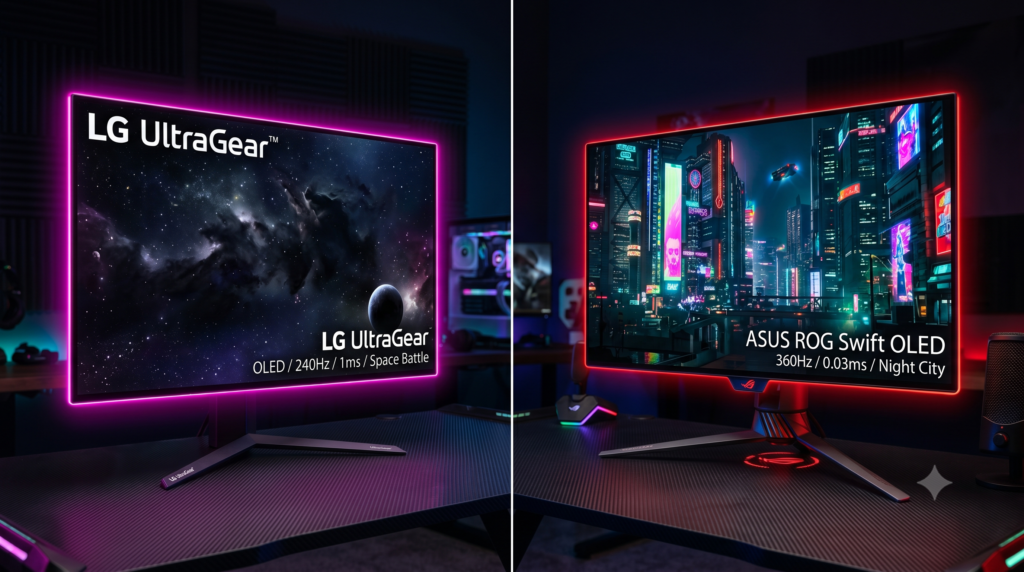
LG UltraGear vs ASUS ROG Swift: Best 1440p 240Hz OLED Monitors (Tested)
The Golden Era of OLED Gaming
For years, PC gamers had to make a brutal choice: buy an IPS panel for beautiful colors, or a TN panel for blistering fast 240Hz speeds. Today, that compromise is dead. If you’ve recently upgraded your rig—perhaps exploring the top pre-built PC alternatives to Digital Storm—you need a monitor that can actually keep up with your new hardware. Welcome to the era of OLED.
Because OLED panels don’t use a backlight, each individual pixel generates its own light. When a pixel turns off, you get infinite contrast and true, absolute blacks. Combine this with a near-instantaneous 0.03ms response time, and you get the ultimate competitive advantage.
Currently, the 27-inch 1440p 240Hz market is the absolute “sweet spot” for high-end gaming. The space is dominated by two legendary titans: the LG UltraGear OLED and the ASUS ROG Swift OLED. Here is our definitive breakdown of which monitor deserves a spot on your desk.
The Open Secret: They Use the Same Panel
Here is the biggest secret in the monitor industry: ASUS does not manufacture their own OLED panels. In fact, both the ASUS ROG Swift and the LG UltraGear use the exact same WOLED panel manufactured by LG Display.
However, what a brand does with that glass changes everything. LG took their panel and built a brilliant “all-rounder” multimedia monitor with perfect console compatibility. ASUS took that exact same panel, strapped a massive custom heatsink to the back of it, and cranked the voltage to achieve brighter highlights for pure PC gamers. Here is how they actually perform on the desk.
1. ASUS ROG Swift 27-inch 1440p 240Hz OLED
Category: PC Monitors / High HDR GamingIf you play strictly on a high-end Windows PC using a DisplayPort cable, the ASUS ROG Swift (PG27AQDM) is arguably the most breathtaking 27-inch monitor ever created. Because ASUS installed a custom, fanless heatsink directly behind the OLED panel, the monitor dissipates heat much faster than the LG model.
- Thermal Advantage: Better cooling allows ASUS to aggressively push the voltage higher, resulting in significantly brighter HDR highlights.
- Aesthetic: Features an aggressive “gamer” design with RGB ROG logo projection and excellent out-of-the-box color calibration.
2. LG UltraGear 27-inch 1440p 240Hz OLED
Category: PC & Console Hybrid MonitorsIf you are someone who plays PC games during the day, but hooks up a PlayStation 5 or Xbox Series X to your desk at night, the LG UltraGear OLED (27GS95QE) is the undisputed champion. Unlike ASUS, LG included full-bandwidth HDMI 2.1 ports.
- Console Ready: HDMI 2.1 allows current-gen consoles to downsample 4K signals into a flawless 1440p image while maintaining 120Hz speeds and Variable Refresh Rate (VRR).
- Smart Features: Includes a physical remote control in the box, allowing you to instantly switch inputs or adjust volume.
3. Mandatory Upgrade: Ergotron LX Premium Monitor Arm
Category: Desk Accessories / MountsBoth the LG and ASUS monitors suffer from the exact same design flaw: their factory stands are massive. The wide, V-shaped legs on these monitors will eat up almost a foot of your desk depth, completely ruining your mouse-pad space for low-sensitivity FPS gaming.
- Reclaim Your Desk: Clamping this arm to your desk allows you to push the monitor completely flush against the wall.
- Premium Build: Uses patented constant-force spring technology to hold your expensive OLED perfectly still without sagging.
Frequently Asked Questions (FAQ)
Is OLED burn-in still a problem for gaming monitors?
In modern OLED monitors, burn-in risk is drastically reduced. Both LG and ASUS feature built-in pixel cleaning, screen moving, and logo dimming features. The ASUS ROG Swift even includes a custom physical heatsink to dissipate heat, further protecting the panel from image retention.
Is 240Hz actually noticeable over 144Hz?
Yes, especially on an OLED panel. Because OLED pixels turn on and off instantly (0.03ms response time), 240Hz on an OLED has vastly superior motion clarity compared to a 240Hz or even 360Hz IPS LCD monitor. There is zero ghosting or smearing during fast camera pans.