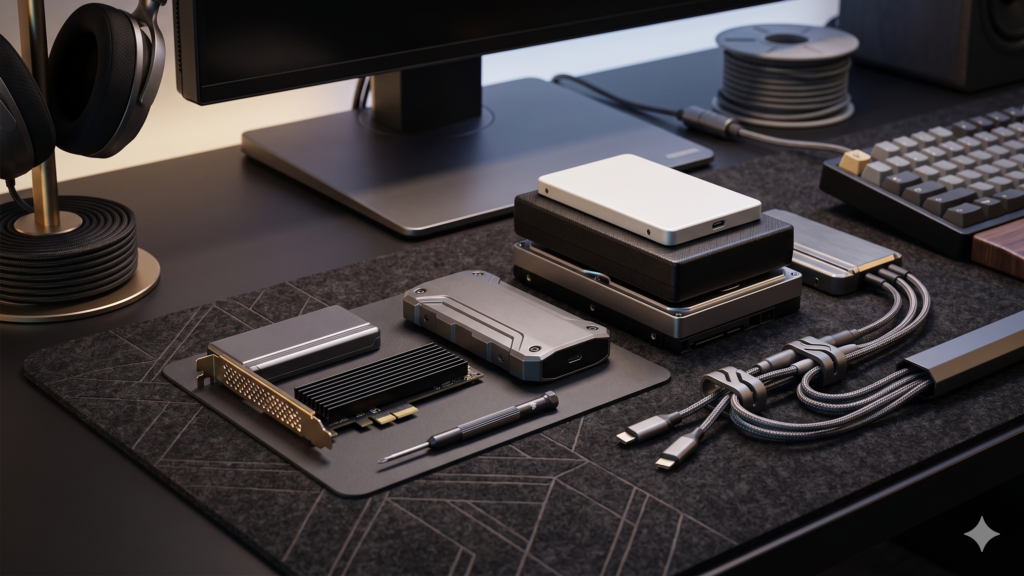
The Two Types of Clutter
Every gamer eventually hits a wall with two types of clutter: Digital and Physical.
Digital clutter happens when your console or PC hard drive is completely full, forcing you to play the “deletion game” every time a new 150GB update drops. Physical clutter happens when your desk or TV stand becomes a dumping ground for controllers, headsets, spare cables, and external drives.
You cannot have a premium command center without adequate storage. Here are the 5 most effective, highly-rated storage and setup upgrades available on Amazon right now to massively expand your digital library and physically organize your gear.
1. The Ultimate Digital Upgrade: NVMe M.2 SSDs
Category: PC & Console Components / Internal StorageIf you are still relying on the factory storage of your PS5 or gaming PC, you are severely bottlenecked. Modern games demand ultra-fast read/write speeds, and external USB drives can’t run next-gen titles.
- The Fix: Installing an internal NVMe SSD takes less than five minutes and instantly quadruples your storage space. For the PS5 and PC, the WD_BLACK SN850X (with Heatsink) is the absolute gold standard. It hits speeds up to 7,300 MB/s, guaranteeing zero load-time lag and providing up to 4 Terabytes of internal space.
2. The Best Wall Storage: Modular Desk Pegboard Systems
Category: Office Organization / PegboardsWhen you run out of desk surface area, you have to utilize your vertical space. Leaving controllers and headsets laying flat takes up too much room and makes your setup look messy.
- The Fix: A modular desk pegboard is the undisputed champion of setup organization. You can mount it on the wall behind your monitors or clamp it directly to the back of your desk. By adding modular hooks, elastic cords, and small trays, you can display your controllers, hang your headsets, and organize your cables beautifully like a high-end tech armory. You can find highly-rated, complete pegboard kits directly on Amazon that include all necessary mounting hardware.
3. The Surface Multiplier: Monitor Desk Shelves
Category: Office Furniture / Monitor StandsIf you have a flat desk (like the IKEA Utespelare) and your monitor sits on its factory stand, you are wasting the most valuable real estate on your desk.
- The Fix: Add a wooden or metal desk shelf (often called a monitor riser). This creates a dual-level setup. Your monitor sits securely on top of the shelf, bringing it to an ergonomic eye level, while creating a massive “garage” underneath. You can slide your keyboard, mouse, and audio interface perfectly underneath the shelf at the end of the day to reclaim your desk space.
4. The Hidden Hardware Hack: Under-Desk Clamping Drawers
Category: Office Organization / Desk DrawersMost modern gaming desks focus on legroom and metal frames, completely eliminating traditional storage drawers.
- The Fix: You don’t need a bulky filing cabinet. Add a clamp-on, under-desk drawer. These attach using heavy-duty, rubberized C-clamps so you don’t have to drill any holes into your desk surface. They are the perfect size for hiding charging cables, SD cards, USB thumb drives, and microfiber cleaning cloths completely out of sight.
5. The Quick Fix: 2-in-1 Headset and Controller Hangers
Category: Gaming Accessories / MountsIf you just need a quick, budget-friendly way to get your gear off the table, don’t buy freestanding headset stands—they just take up more surface area.
- The Fix: Buy a rotating under-desk hanger. These clamp onto the edge of your desk and feature dual hooks. They allow you to hang your heavy gaming headset and your pro controller beneath the desk edge. The best models feature a 360-degree swivel, so you can push your gear entirely under the desk and out of the way when you aren’t using it.
The Bottom Line
A great setup is an organized setup. By expanding your digital storage with a high-speed SSD and utilizing vertical and under-desk space for your physical gear, your setup will instantly look cleaner, feel larger, and function better.
Need help hiding the wires for all this new gear? Read our complete guide to Zero-Visibility Cable Management.