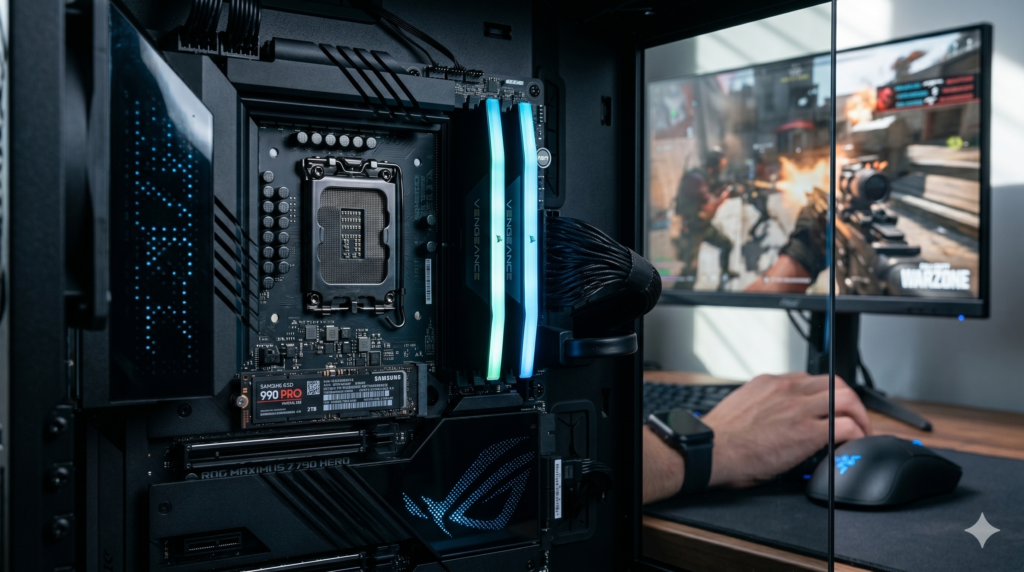
Call of Duty Stuttering Fix Windows 11: The Hardware Upgrade Guide
Software Tweaks Aren’t Enough Anymore
If you are experiencing severe micro-stutters, sudden frame drops, and frustrating lag spikes in Call of Duty on Windows 11, you are definitely not alone. While a hundred different guides will tell you to tweak your NVIDIA control panel or mess with your Windows power plans, the harsh reality is that modern AAA titles have simply outgrown budget hardware.
If you have exhausted all the software fixes and your game is still unplayable, your system is suffering from a hard physical bottleneck. In this guide, we break down the exact, proven hardware upgrades you need to permanently eliminate stuttering and get back to climbing the leaderboards.
1. The RAM Bottleneck: Why 16GB is No Longer Enough
Modern Call of Duty titles are incredibly memory-intensive. If you are currently running 16GB of RAM, your system is likely utilizing 95% to 100% of it during heavy firefights. When your RAM maxes out, Windows is forced to page data out to your storage drive—resulting in a massive, game-breaking stutter every time you turn a corner or aim down sights.
The Fix: You need to upgrade to a 32GB kit of high-speed memory. Giving the game engine plenty of overhead prevents the system from bottlenecking during high-action moments.
👉 Check Price on Amazon
2. The Storage Bottleneck: Ditch HDDs and SATA SSDs
If your game is installed on a traditional spinning Hard Disk Drive (HDD) or even an older, slower SATA SSD, the game engine simply cannot load high-resolution textures fast enough as you sprint across large maps. This slow data transfer directly causes freezing and pop-in issues.
The Fix: You must install your competitive games on a lightning-fast Gen 4 NVMe M.2 SSD. These drives connect directly to your motherboard, bypassing older, slower cables entirely.
👉 Check Price on Amazon
3. The Peripheral Lag: Upgrading Your Polling Rate
Sometimes, what feels like a graphical game stutter is actually severe input lag. If you are using an older or budget wireless mouse, a weak sensor and a low polling rate can cause your crosshair to skip across the screen, mimicking a frame drop.
The Fix: Upgrade to an esports-grade mouse featuring zero-latency wireless technology and a hyper-fast polling rate (up to 4000Hz). This ensures every single micro-movement of your hand translates perfectly to the game without delay.
👉 Check Price on Amazon
The Final Verdict
Stop pulling your hair out over endless Windows 11 settings and registry edits. By expanding your system memory to 32GB and ensuring your game data is housed on a premium NVMe drive, 99% of Call of Duty stuttering issues disappear immediately. Upgrade your bottlenecked hardware, and get back to winning.