Essential Console Accessories: Charging Docks, Storage & Mounts (2026)
Eliminate the Console Clutter
The PS5 and Xbox Series X are massive pieces of hardware. If you just lay them on your TV stand with controllers scattered everywhere and USB cables dangling out of the front ports, your living room looks chaotic.
Much like achieving a flawless zero-clutter desk setup, organizing your console ecosystem reduces daily friction. You should never sit down to play only to realize your controller is dead, or that you have to delete three games just to download a new one. Whether it sits next to your stealth black gaming setup or under your living room TV, here is the best hardware to keep your console area clean, charged, and optimized.
1. Drop-and-Charge Controller Docks
Category: Console Accessories / Charging & PowerPlugging a USB-C cable into the front of your console every time you finish playing looks terrible and eventually wears out the USB port.
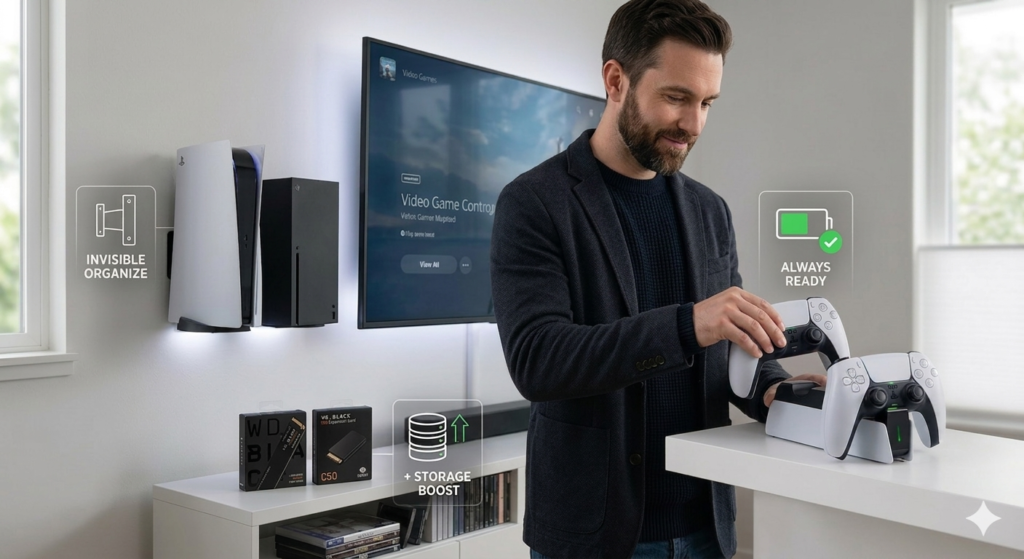
- The Solution: Buy a dedicated charging dock. The official Sony DualSense Charging Station and the Razer Universal Quick Charging Stand for Xbox are perfect. You simply set the controller down when you are done. It displays them beautifully and guarantees a 100% battery next time you pick it up.
2. NVMe SSD Storage Expansions
Category: Console Accessories / StorageModern games easily take up 150GB of space. The factory console storage fills up after downloading just 5 or 6 major titles.
- The Solution: For the PS5, grab a WD_BLACK SN850X with a built-in heatsink. It clicks right into the console in 2 minutes and instantly gives you 2 Terabytes of hyper-fast storage. For Xbox, grab the official WD_BLACK C50 Expansion Card that plugs seamlessly into the back of the console like a memory card.
3. Invisible Console Wall Mounts
Category: Console Accessories / Mounts & StandsIf you are tired of the massive PS5 taking up your entire desk or TV cabinet, put it on the wall.
- The Solution: HideIt Mounts creates heavy-duty, custom-fitted steel brackets for both consoles. You can mount the console directly behind your TV for a completely invisible setup, or mount it proudly next to your screen to show it off without taking up valuable desk surface area.